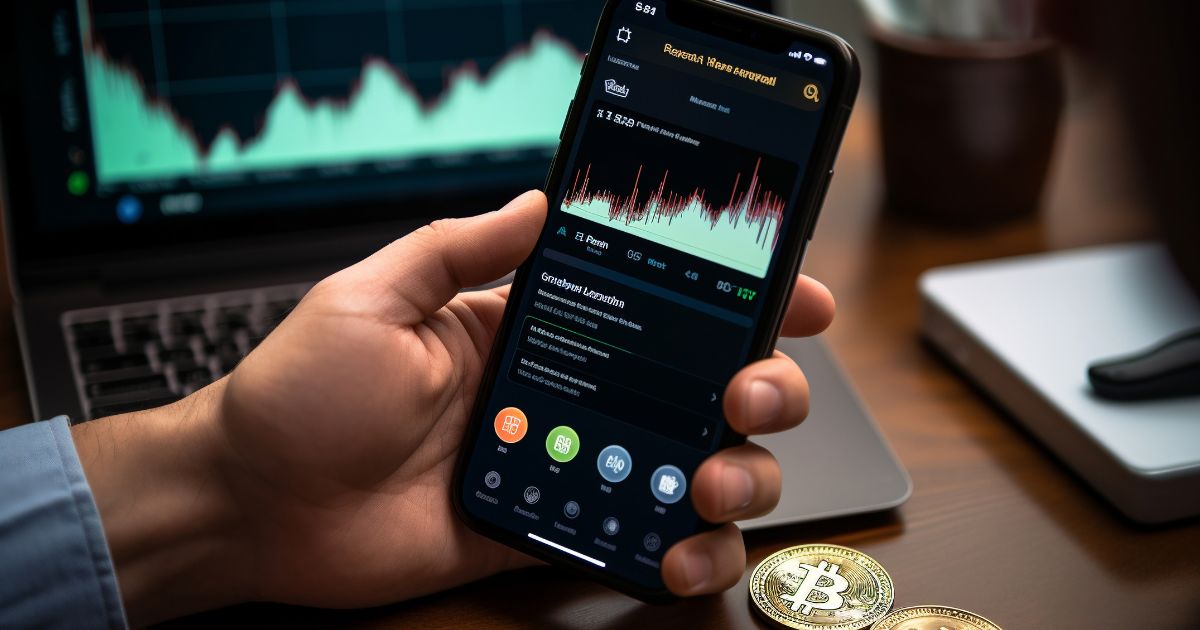
Step-by-Step Guide How to Configure a Bitcoin Mining Miner for Maximum Efficiency

Configuring a Bitcoin mining miner is a critical step for anyone looking to participate in the proof-of-work network and earn Bitcoin rewards. Whether you are using an ASIC miner like an Antminer S19 or a GPU-based rig, the initial setup process involves several key stages that ensure your hardware operates optimally, connects to the right mining pool, and maintains stable performance. This guide will walk you through the essential configuration steps, from network setup to advanced tuning parameters.
The first task is establishing physical connectivity and powering up your miner. Connect the miner to a stable power supply unit (PSU) and ensure the voltage and amperage are appropriate for your region. Use an Ethernet cable to connect the miner directly to your router or switch; avoid relying on Wi-Fi, as a wired connection offers lower latency and greater reliability, which is vital for maintaining consistent hashrate. Once powered on, the miner will boot up and obtain an IP address from your router’s DHCP server.
To access the miner’s configuration interface, you need to find its IP address. This can be done by checking your router’s DHCP client list or using a network scanner tool such as Angry IP Scanner. Once you have the IP address, open a web browser and enter it into the address bar. You will be prompted to log in using default credentials, typically “root” for the username and “root” as the password. For security, change these credentials immediately after the first login to prevent unauthorized access to your mining hardware.
The core configuration involves setting up the mining pool details. Most modern miners have a dedicated “Mining” or “Pool” section in their backend interface. Here, you must enter the pool’s URL (e.g., stratum+tcp://pool.example.com:3333), your worker username (often your wallet address followed by a worker identifier like .miner1), and the password, which is usually left as “x” or “123”. Popular pools include Slush Pool, F2Pool, and Antpool, but you should choose one based on fee structure and geographic proximity for lower latency. After entering the pool details, apply the settings and the miner will restart its mining process.
Beyond basic pool settings, you can configure performance and monitoring parameters. Most firmware versions allow you to adjust the frequency (clock speed) of the chips, set fan speed thresholds, and define temperature limits. For example, if your ambient temperatures are high, increasing the minimum fan speed to 60-80% can prevent thermal throttling. Some interfaces also offer “Tuning” profiles such as low-power mode or high-hashrate mode. Beginners should start with the factory default tuning and only make incremental adjustments after monitoring the miner’s stability for 24 hours.
Finally, after configuration, verify that the miner is active. Return to the dashboard and check the “Hashrate” and “Acceptance Rate” metrics. A healthy miner should show a hashrate close to its rated specification and a low rejection rate (under 2%). You can also check the pool’s website using your wallet address to confirm your shares are being recorded. Regular firmware updates, dust cleaning, and log monitoring are recommended to maintain long-term efficiency. By following these steps, you can confidently configure your Bitcoin mining miner and begin contributing to the network while maximizing your return on investment.